Make images and video in your AI chat
Add Ardscale to the AI client you use, ask in plain words, and the picture or clip comes back in the chat.
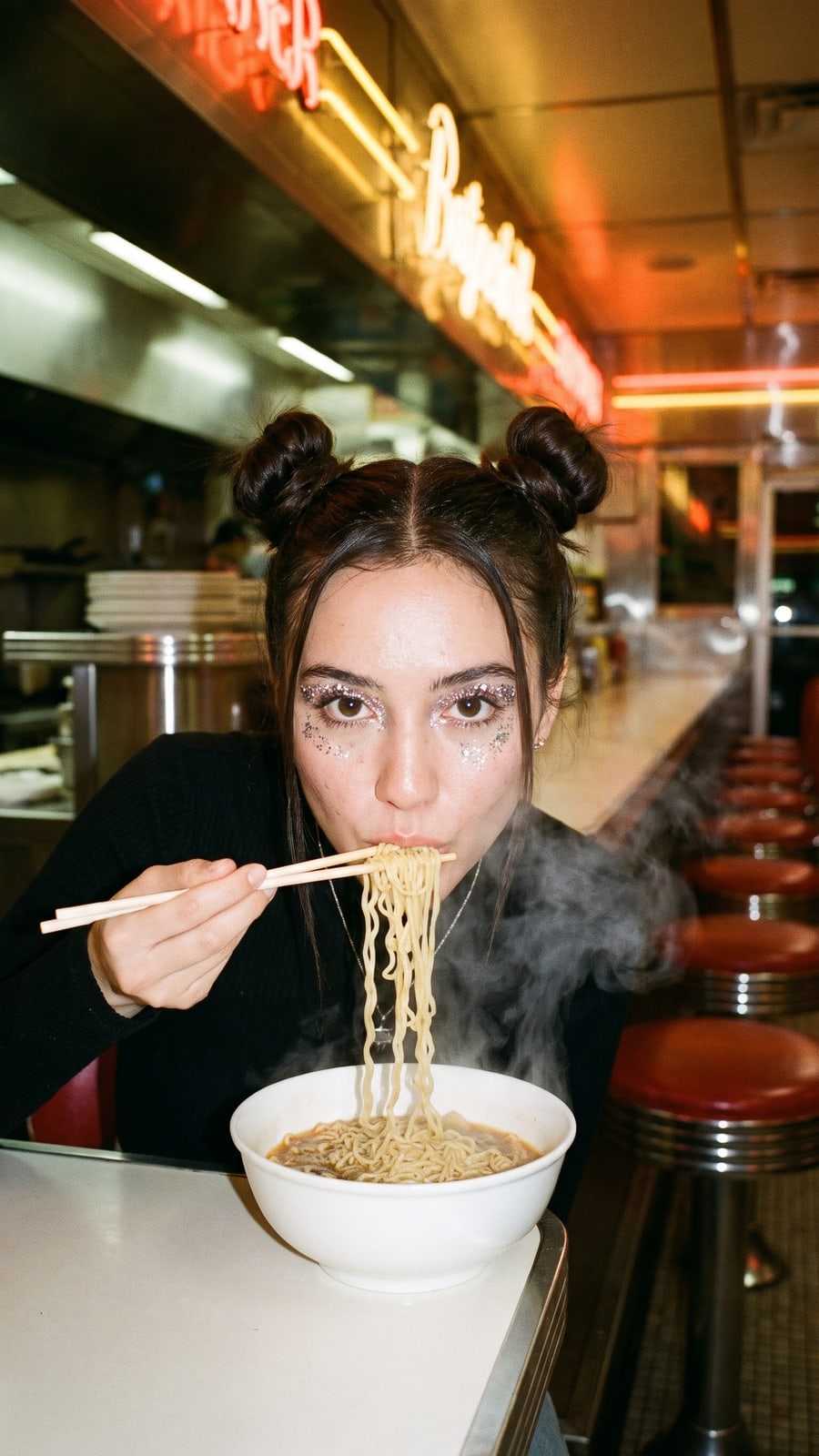
Add to ClaudeFlash photograph, direct on-camera flash: a girl with space buns and glitter eye makeup eating ramen at a late-night diner counter, chopsticks lifted, looking straight at the camera, chrome trim and red vinyl stools behind her, steam rising from the bowl, point-and-shoot snapshot look. Photorealistic, candid, natural skin texture, cinematic colour grade, fine 35mm film grain. No text, no captions, no logos, no watermark.
Connect your client in one click or a few steps.
The first time your client calls Ardscale, a browser window opens. Sign in, check what the client asks for and choose Allow. There is no API key to paste.
Claude
The button opens Claude with Ardscale filled in. Check the name and address, then confirm.
Add to ClaudeChatGPT
Start atchatgpt.com/plugins
Hermes Agent
OpenClaw
Cursor
The button opens Cursor with Ardscale filled in. Check the name and address, then confirm. The Cursor app must be installed on this device.
Add to Cursor
What is the Ardscale MCP server?
The Ardscale MCP server lets an AI client use Ardscale's image, video and audio models through the Model Context Protocol, an open standard for connecting assistants to outside tools. It lives at https://mcp-dev.ardscale.com/mcp, speaks Streamable HTTP and signs you in with OAuth. Your client can list the models, estimate a cost, start generations and read their results, all paid with the credits of your Ardscale account.
Which AI clients can connect?
Any client that can add a remote MCP server with a sign-in. This page has the steps for Claude, ChatGPT, Hermes Agent, OpenClaw and Cursor, and the server address for the rest, such as Claude Code, Codex and Gemini CLI.
What does it cost?
Connecting costs nothing and needs no plan. Each generation spends credits from your Ardscale account, or from your team's, and your client can check the cost before it starts. The unlimited window of Plus and Ultra (7 or 14 days) does not cover the MCP.
Do I need an API key?
No. The first time your client calls the server, you sign in with your Ardscale account in a browser window and choose what the client may do. It stays connected until you disconnect it.
Where do the results show up?
In the same chat. Clients that support MCP Apps show the image or video in the conversation, and the others give you a link to view and download it. Links expire after a few hours, and asking again returns fresh ones.
Does it work for teams?
Yes. The connection is yours, and a request uses your team's credits in a workspace you are assigned to. If you are in several teams, the client has to name one, so credits never come from a team you did not choose. Your role applies as it does in the web app.
Connect once, then just ask.
Claude, ChatGPT, Cursor and every other product named on this page belong to their owners. They are named only to say that each client can connect to Ardscale, and no partnership or endorsement is implied.